
About accident reports
An accident report documents a non-crime event at a store, a slip-and-fall or similar accident, for liability, insurance, and workers'-compensation record-keeping. It is a separate feature from crime intake, and an accident report is never an incident: the two are never counted, clustered, or linked together, and never appear in one another's lists, searches, or dashboards.
Some of the statutory forms this feature prints carry the word "Incident" in their own titles and field names ("Customer Accident/Incident Report", "Incident Date & Time"). That is the external form's wording, kept because the paper it replaces uses it: it does not make the record an incident.
The two tracks
Every report is on one of two tracks, chosen by its first question:
- Workers'-compensation (WC): an injured employee.
- General liability (GL): an injured customer or visitor.
The answer decides which identity block is asked for, which tabs the report later shows, and which documents it can export. Changing it after fields are filled requires a confirmation, because it clears the other track's answers.
Where to find accident reports
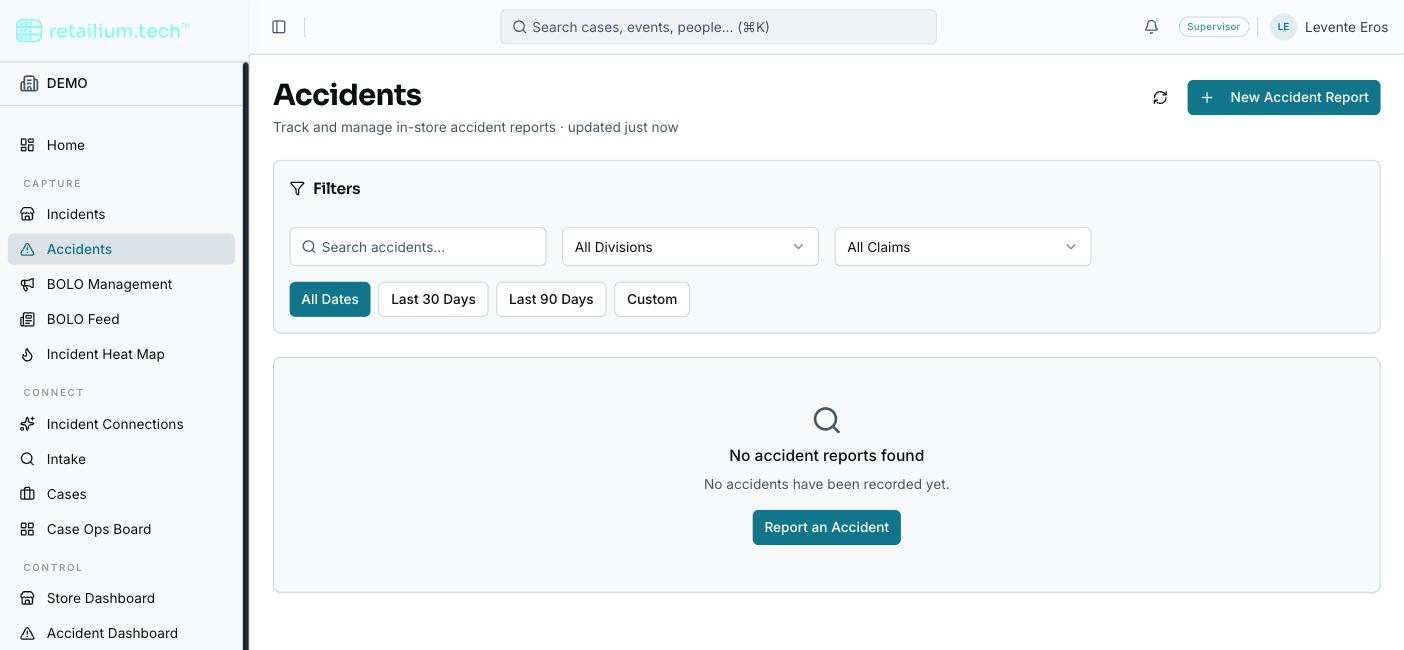
Accident reports have their own browsable list, reached from the sidebar's Accidents entry (in the same navigation group as Incidents), with search, sorting, and paging. Filter by text, division, and type (Worker Comp or General Liability), with date-range presets or a custom range. (Reports were once reached through a tab on the Incidents list; that tab is gone and the old link redirects here.)
Who can do what
| Capability | Roles |
|---|---|
| View reports and export what they are entitled to | Every internal role and Platform Administrator (subject to access bands and territory) |
| Create and edit reports; pick the carrier a report is filed against | Administrator, Supervisor, Managers, Investigator, Store Coordinator, RAPM, DAPL |
| File through the confined intake form only (no view, no edit, no read-back) | Store Associate |
| Maintain the employer profile, carrier list, and each store's carriers | Administrator only |
Two scoping rules apply on top of this table:
- Territory. Regional and District Asset Protection Managers see only reports filed at stores inside their assigned territory; a report not tied to any store is invisible to them.
- Access bands. Getting into the feature is only the first gate: a second layer, the access band, decides which content of a report you actually see (and whether you can correct it). This is why some roles can create a report but not correct it once filed, and why a role sees a customer report's scene but not its claim details. See Access bands.
Accident reporting is available only if your organization is entitled to Accidents. Without that entitlement, the feature and the carrier/employer screens are unavailable to everyone.