
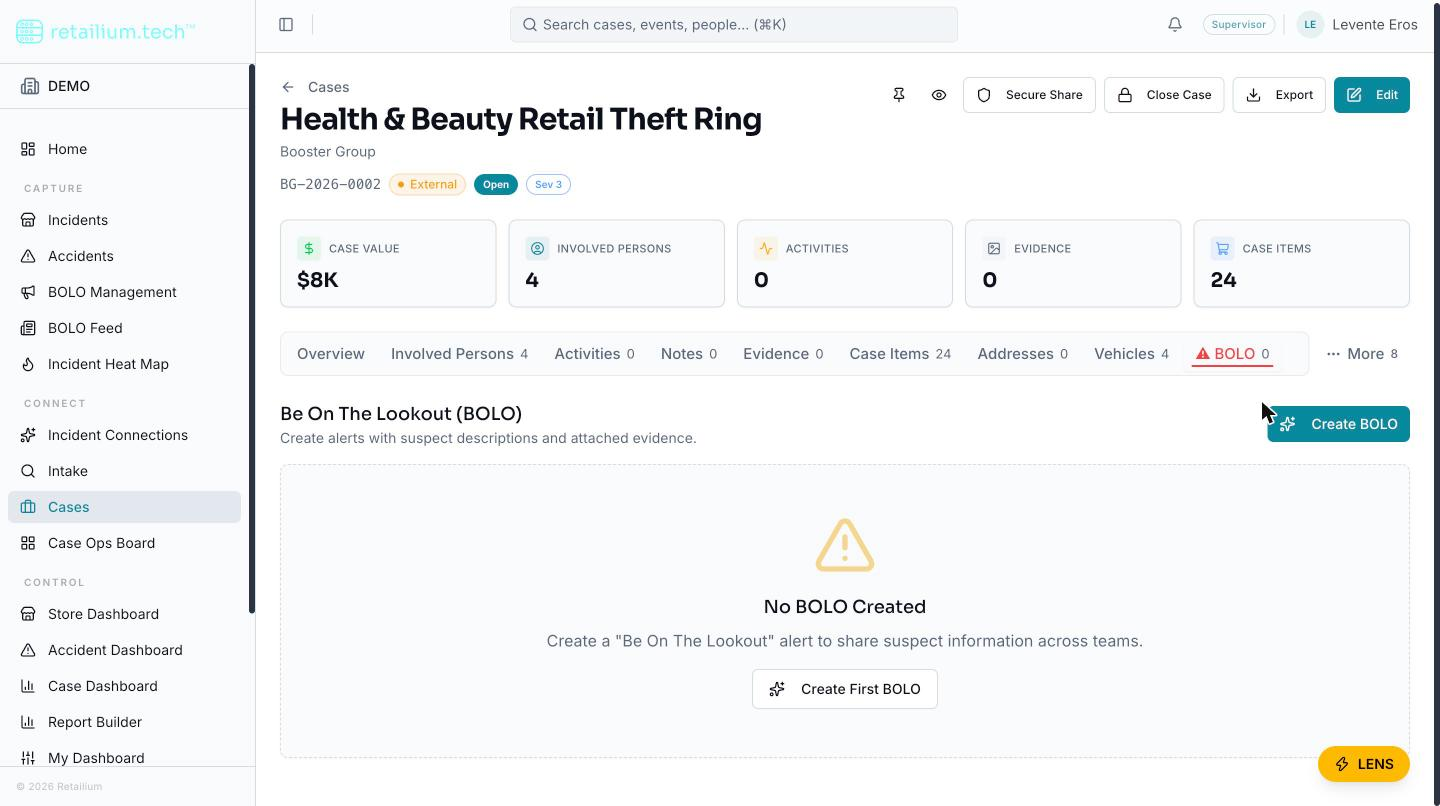
Create a BOLO from a case
Summary: You will open a case, start a new BOLO from its BOLO tab, let the platform draft the text, review it, and save.
Prerequisites
- A role that can create BOLOs and can access the case: Administrator, Supervisor, Manager, Investigator, Store Coordinator, or Regional/District Asset Protection Manager.
- A case with at least one member (suspect or associate).
Create the BOLO
- Open the case and go to the BOLO tab (marked ⚠ BOLO).
- Start a new BOLO. The form is pre-filled from the case's linked members.
- Optionally, have the platform draft the text (see below).
- Review and edit every field.
- Save. The BOLO record is created and linked to this case.
Let the platform draft the text
A user who can edit BOLOs can have the platform draft five fields at once: title, description, incident summary, reason, and method of operation. The draft is fully editable before saving: nothing is published until you save.
For each suspect, the platform merges up to three descriptions into one:
- What you entered on the case member: the primary source of truth.
- The AI reading of any CCTV footage.
- The AI reading of the suspect photo.
Where a detail only an AI source saw is added, it is marked "(AI description only)." Where the sources disagree, the draft keeps both and attributes them, for example, "(AI description shows: blue polo)", so you can judge the conflict rather than having it silently resolved.
If the AI service is unavailable, the platform returns a rule-based draft assembled from the same data instead of failing, so you always have something to edit.
Good to know
- BOLOs created automatically during case import carry an "AI Generated" badge. The badge is informational only: such BOLOs behave exactly like manually created ones, with no restriction and no extra review step.
- The suspect and vehicle descriptions are a snapshot. They do not update themselves when the underlying facts change; refreshing them means running the AI text generation again.
Related articles
- Create a BOLO from an incident
- Edit a BOLO and set its status
- Share and export a BOLO
- Create BOLOs from a case (Cases section)