
Conduct an assessment
Summary: You will start an assessment against a template and a store, answer its questions, and submit it for an automatic score.
Prerequisites
- A role that can conduct assessments: Administrator, Regional Asset Protection Manager, or District Asset Protection Manager.
- An assessment template to work from.
- For territory-scoped roles, the store must be inside your assigned region or district.
Conduct the assessment
- Start an assessment by choosing a template and a specific store. Regional and District managers only see stores within their own territory when picking.
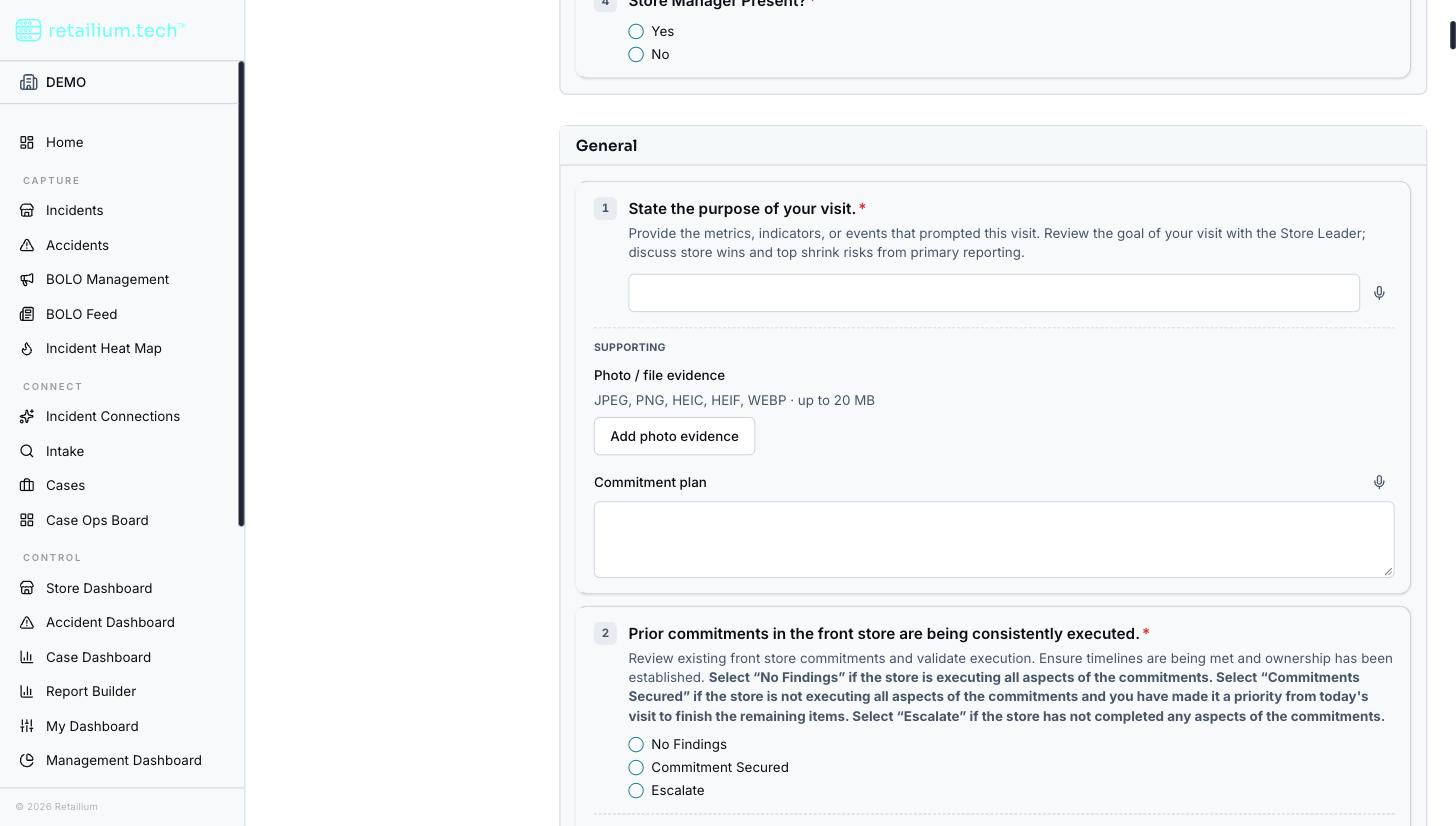
- Answer each question according to its type, providing comments, photo evidence, and a commitment plan wherever the template requires them.
- Pause at any point if you need to, your progress is saved, and resume later.
- Submit when finished.
What happens on submit
- Submission is blocked until every required item on every question has been provided.
- On submit, if the template is graded, a score, a percentage plus pass/fail against the template's threshold, is computed automatically and shown alongside your answers.
- An ungraded assessment simply records the answers with no score.
Submission is final. Once an assessment is submitted, its answers, evidence, and score are permanent. You can still reopen and read it in full, but nothing on it can change: there is no way to correct an answer, add or remove evidence, edit a comment or commitment plan, re-score it, or put it back into progress. An in-progress assessment, by contrast, can be picked up and finished later.
Review an assessment
A completed or in-progress assessment can be reopened later to review its answers, evidence, and (if graded) its score. Photos attached while conducting are stored securely: viewable only through a time-limited link generated when someone with permission opens the assessment.
Good to know
- Dictate free-text answers. Short-answer questions can be filled by voice: the spoken text is transcribed and appended to what you have already written.
- No live running score. A graded assessment's score is computed on submit, not shown while you work.
- Territory is enforced everywhere. A territory-scoped user cannot see or act on an assessment for an out-of-territory store, even by its identifier.
- No scheduling or assignment. You start an assessment when you conduct it; it is not scheduled or assigned to a person ahead of time.